
🔊 DJ Basixxx with Mixxx
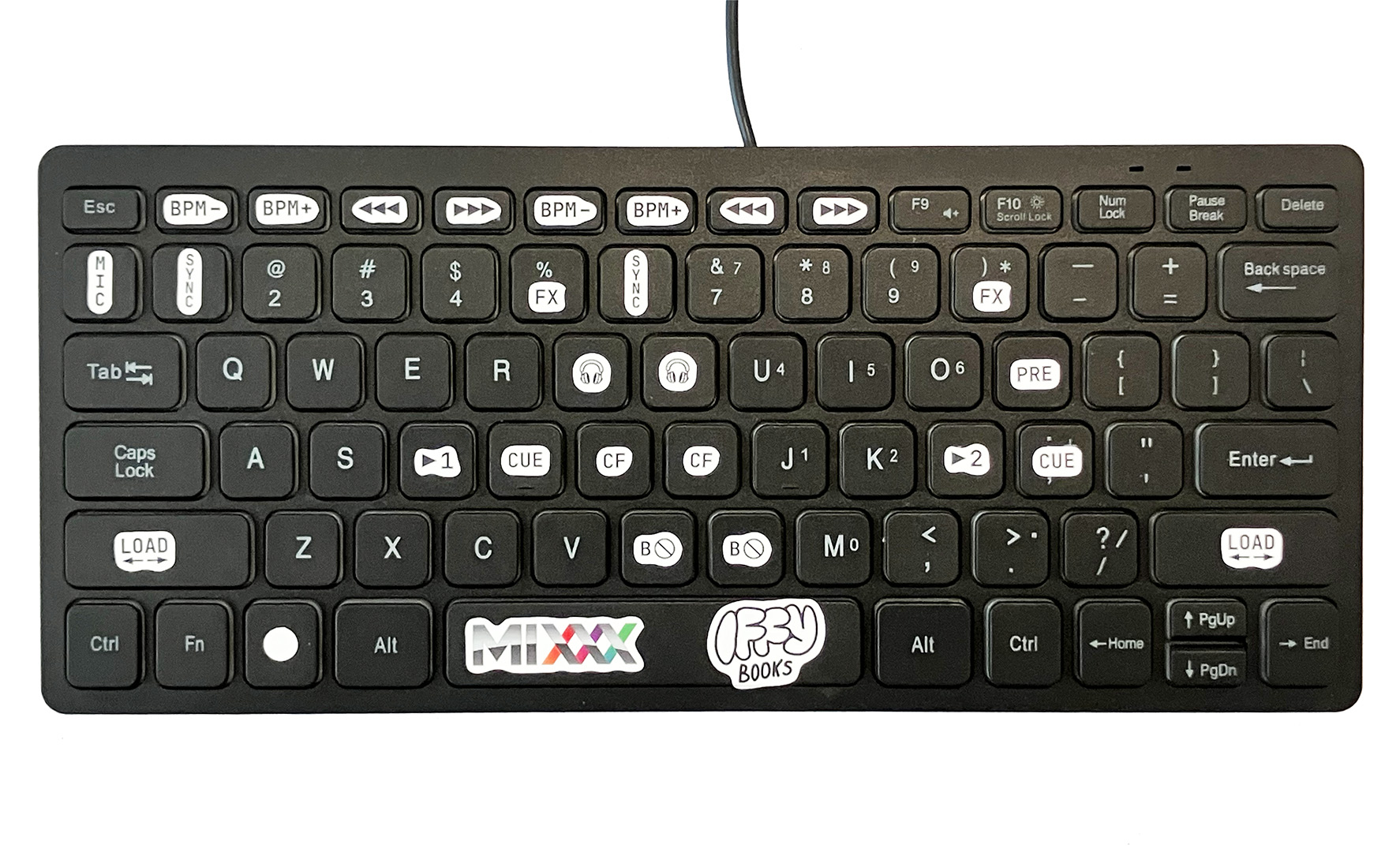
If you’re curious about DJing but don’t have money to drop on equipment, this workshop is for you! You’ll learn to use Mixxx, a free and open source DJ program for macOS, Windows, and Linux. Mixxx supports a wide range of DJ controller hardware, but to make it more accessible we’re using regular QWERTY keyboards with stickers on the important keys. We’ll teach you to find tracks on the web, load them into Mixxx, and get started with beatmatching. It’s easier then you think!
You’ll need to bring your own laptop and headphones for this workshop. We also recommend bringing a separate USB keyboard if you have one, ideally with a row of function keys (F1, F2, F3, etc.). If you have an external audio interface, you’re welcome to bring that too.
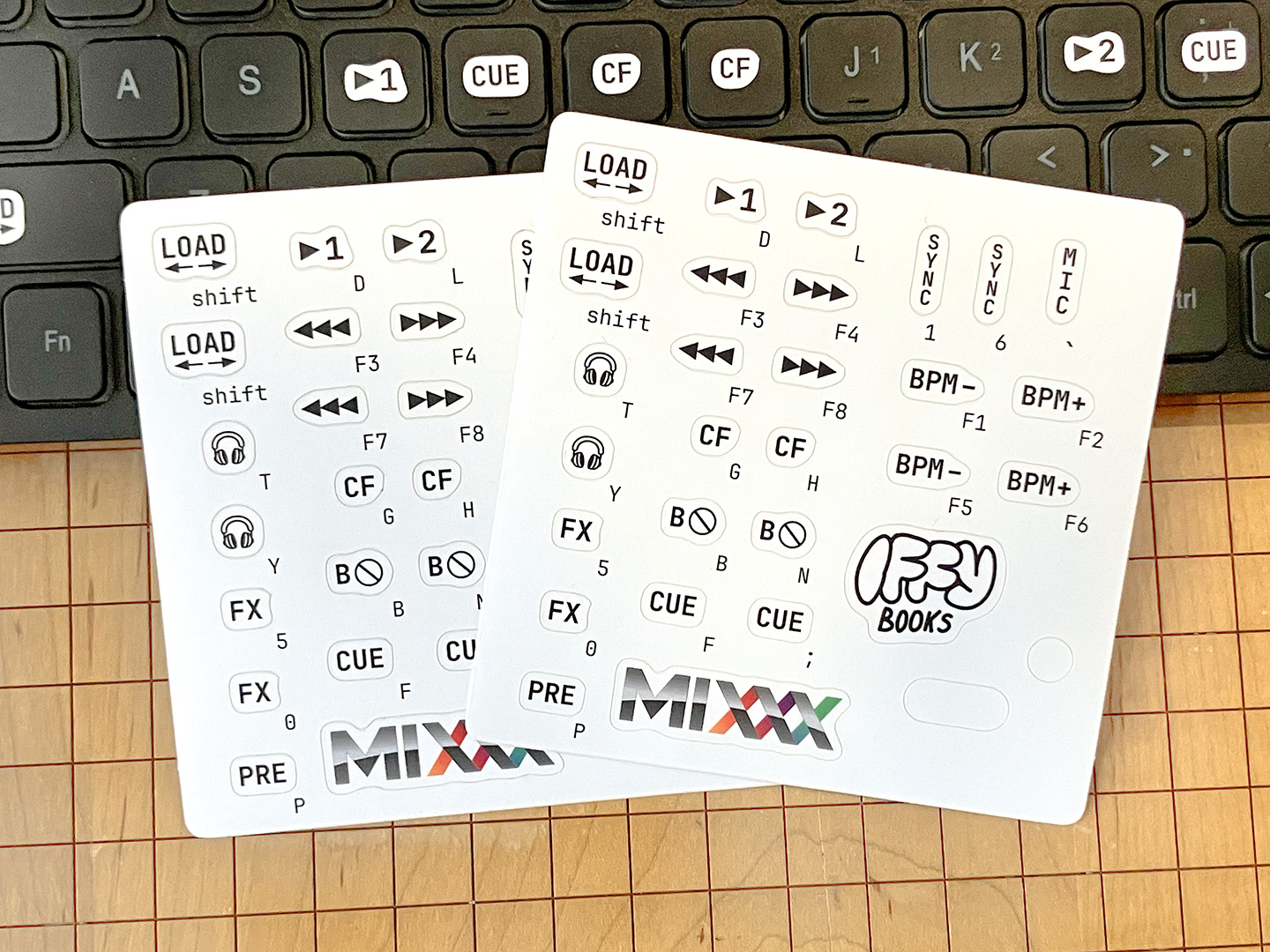
The DJ controller sticker sheets we’re using are available on our online store. Or print your own (4″ x 4″) on sticker paper!

Register:
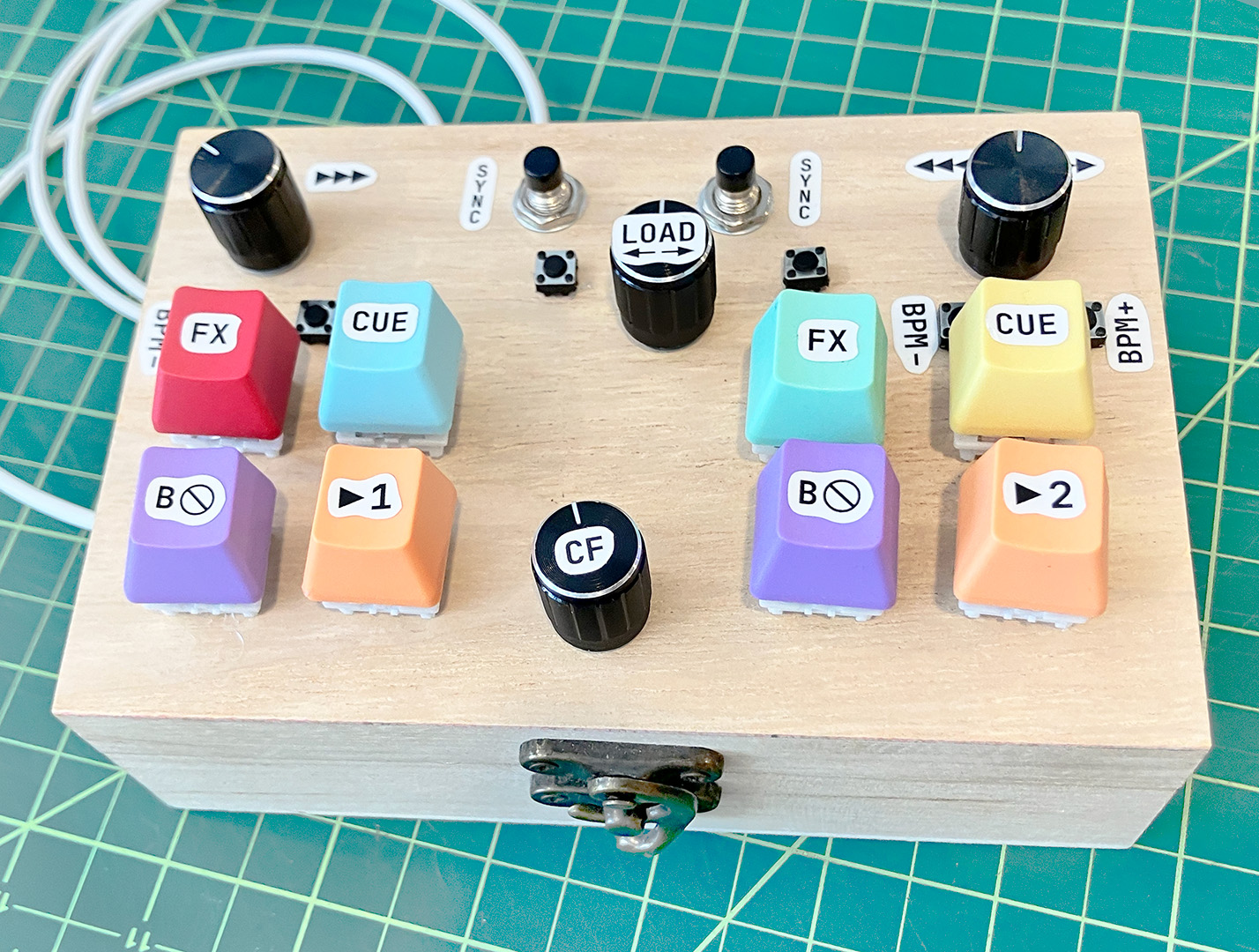
CircuitPython code for turning a Pi Pico board into a USB keyboard