
- This event has passed.
👾 HDMI Video Throwie Workshop
January 31 @ 10:30 am - 12:30 pm
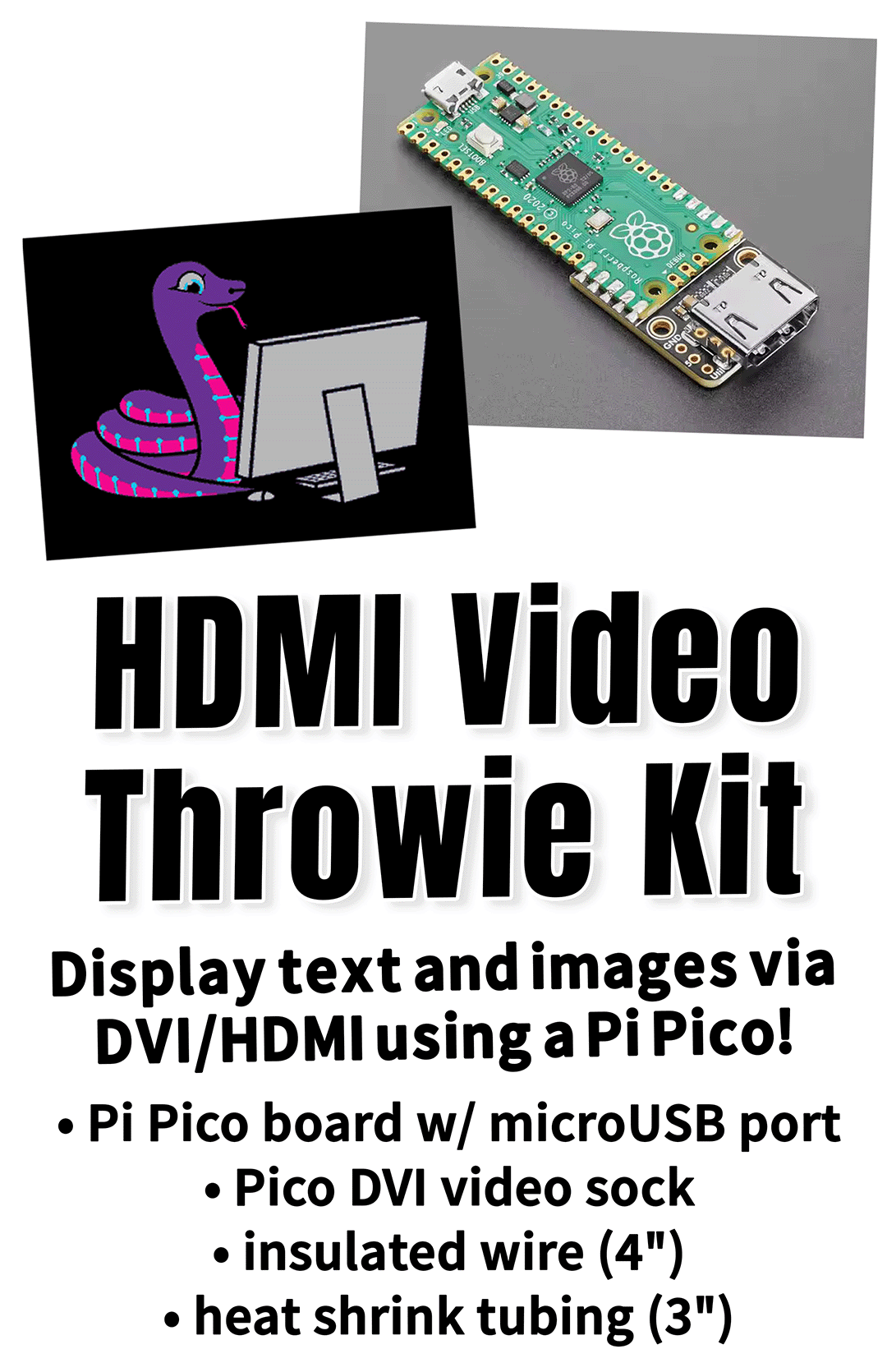
- Solder DVI sock to Pi Pico board (see photo).
- Connect “5” pin on DVI sock to “VSYS” pin on Pi Pico and solder in place.
- Follow the instructions at the following URL to load CircuitPython firmware, libraries, and code.py file onto your device. You’ll need a microUSB cable with a data connection. https://learn.adafruit.com/adafruit-dvi-sock-for-pico
- Connect your HDMI throwie to a TV or monitor and test it out!
- (Optinal) Trim the heat shrink tubing to size, slip it over the device, and shrink it with a heat gun or hairdryer.